


eBay Seller Hub is the free dashboard eBay gives every seller for running orders, listings, marketing, payouts and performance from one screen. You open it at ebay.com/sh/ovw (or My eBay, then Selling), and you need at least one sale on the account before it opens up. Below is how each tab works in late 2026, the seller standards eBay grades you on every month, and the parts of the eBay Seller Hub that matter most if you dropship.
This guide sticks to what eBay's own help pages say. Where a menu name or number comes from eBay, we link the source so you can check it yourself, because eBay changes things often (it updated its seller standards page again on 15 October 2026).
What is eBay Seller Hub?
eBay describes Seller Hub as "the central place for managing your eBay business," free to use, with all of its selling tools in one location. Before it existed, sellers bounced between My eBay, Selling Manager, File Exchange and a separate seller dashboard. Seller Hub replaced most of that with a single set of tabs, and the old File Exchange has been retired in favour of the Reports tab.
In practice it does four jobs:
- Orders: shows paid orders waiting to ship, lets you buy and print labels, upload tracking and handle returns and cancellations.
- Listings: create listings one at a time or in bulk, edit prices and quantities, manage drafts, templates and business policies.
- Performance: sales, selling costs as a percentage of sales, traffic sources and your seller level.
- Money: payouts, funds on hold, transaction history and tax documents.
There's no subscription for Seller Hub itself. You pay normal eBay selling fees, plus a Store subscription only if you choose one. Some marketing tools in the hub are reserved for Store subscribers, which is the one place the free version feels limited.

How to access eBay Seller Hub
Business accounts are opted in automatically. Private (personal) sellers get access after their first sale. If you've sold something and still land on the old My eBay selling page, go straight to the hub URL.
- Sign in to eBay with the account you sell from.
- Click My eBay in the top right, then Selling. Or type ebay.com/sh/ovw into your browser.
- You land on the Overview tab. Bookmark it; it's the page you'll open every morning.
- Use the Customize link on the Overview page to hide modules you don't use and move the ones you check daily to the top.
- If the hub won't load, check that the sale has completed (paid, rather than a pending offer). eBay requires one completed sale for private sellers.
The eBay Seller Hub dashboard, tab by tab
eBay lists ten tabs in its Seller Hub help article. Here's what each one is for and what's worth checking.
| Tab | What it does | What to check |
|---|---|---|
| Overview | Summary of tasks, orders, listings, feedback and monthly selling limits | Daily: tasks and orders awaiting shipment |
| Orders | Ship orders, print labels, upload tracking, returns and cancellations | Daily: ship-by dates and open requests |
| Listings | Create, edit and bulk-manage listings, templates and business policies | Weekly: unsold and ended listings |
| Marketing | Discounts, coupons, sale events, offers to buyers (some Store-only) | Before promotions |
| Advertising | Promoted Listings campaigns | Weekly: ad fees vs sales |
| Store | eBay Store subscription, categories, layout and store traffic | Monthly |
| Performance | Sales, selling costs, traffic, seller level and service metrics | Weekly, and before the 20th |
| Research | Advice on listings, sourcing, pricing and restocking (Terapeak) | When choosing products |
| Payments | Payouts, funds on hold, transactions and reports | Weekly |
| Reports | CSV/XLSX uploads, downloads and scheduled reports | When bulk editing or reconciling |
Overview: tasks and monthly limits
The Overview tab is a to-do list. It shows orders to ship, buyer messages, return requests and listings that need attention. Scroll down and you'll find the Monthly limits section, which shows how many items and how much value you can still list this month. New accounts hit this quickly. eBay reviews limits monthly based on sales volume and buyer feedback, and you can ask for more through Request higher selling limits. Good 'Til Cancelled listings count toward the limit, so a big catalogue of GTC listings can quietly eat your allowance.
Orders: where most of your time goes
Orders is split into views like Awaiting shipment, Paid and shipped, Cancellations, Returns, and Requests and disputes. The two numbers to watch are the ship-by date on each order and anything sitting in Requests and disputes. Both feed directly into your seller level, which we cover below. You can buy eBay labels from here, and if you ship with your own carrier, upload tracking the same day you ship.
Tip: the Download report button at the top right of the Manage orders table exports every order in your current filter as a CSV, including a column for the tax eBay collected. That file is handy at month end.
Listings: active, unsold, drafts and scheduled
The Listings tab holds everything you've listed, split by status. Unsold and Ended are where money hides. A listing that ended without a sale usually needs a better first photo, a tighter title or a lower price, and you can relist in bulk from this view. Drafts are useful for prepping listings before stock arrives. Scheduled listings let you go live at a set time at no extra charge.
Marketing and Advertising
Marketing holds the discount tools: sale events, coded coupons, order size discounts, volume pricing, shipping discounts and offers to buyers who've watched your items. Some of these need an eBay Store. Advertising is where you set up Promoted Listings. Treat ad spend as a fee line, not a growth line, until you know your margins can carry it.
Performance: sales, traffic and seller level
Performance is the analytics side of the eBay Seller Hub dashboard. You get sales over time, selling costs as a share of sales, listing impressions, click-through rate and where buyers came from. Click into any number to see the chart behind it. The Seller Level view shows your current and projected rating, which is the most important number on the whole site.
Payments and Research
Payments shows past and upcoming payouts, holds and every transaction line, plus payout settings. Research is eBay's Terapeak tool: search a product and you see recent sold prices, sell-through and average shipping cost. Use it before you source anything.
eBay Seller Hub reports: bulk listing and scheduled downloads
The Reports tab replaced File Exchange. eBay says plainly that templates or schedules built in File Exchange were not carried over, so if you used it years ago, you'll need to rebuild them. According to eBay's Seller Hub Reports guide, you can create listings in bulk, upload and schedule reports, mark items as shipped, manage feedback and fix listing errors in bulk.
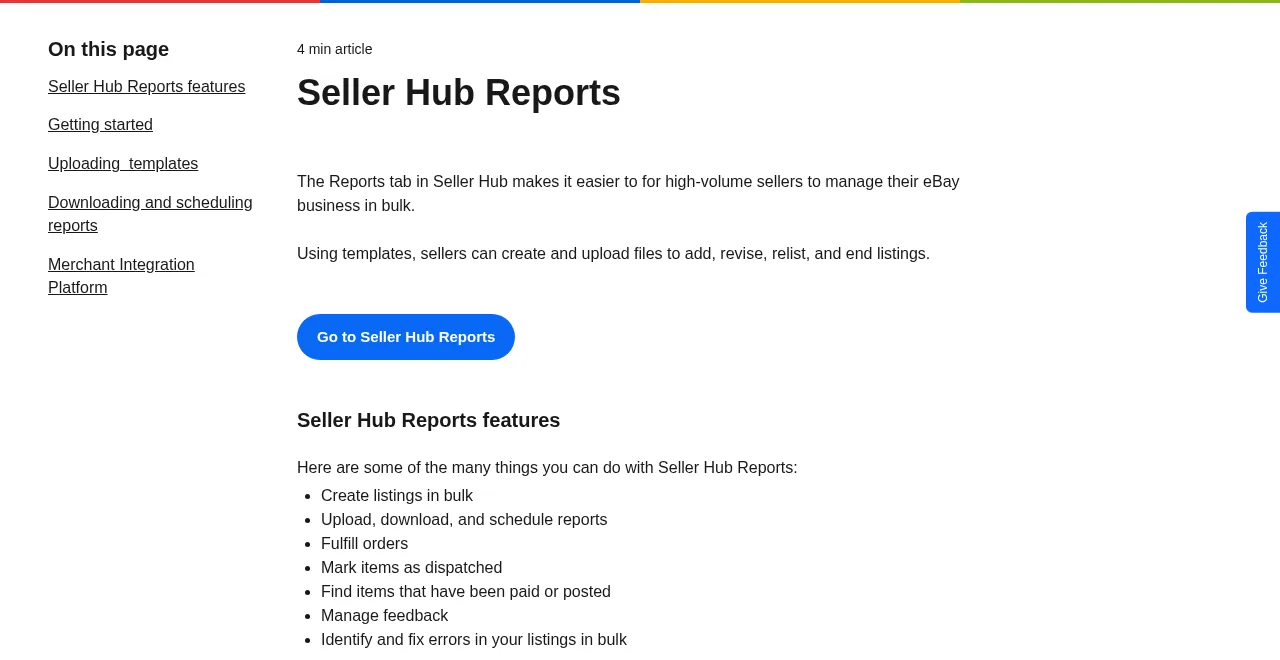
To get a bulk template, follow eBay's own path:
- Open the Reports tab in Seller Hub.
- Select Upload on the left.
- Click Get template.
- Choose Listings (or Orders) as the Source.
- Pick the template Type, for example "Create new listings", "Create drafts" or "Edit price, quantity or delete listings".
- For order templates, set a date range between 1 and 90 days, then click Download.
Two practical notes. The Create drafts template lets you leave the image URL column empty and add photos later, which saves time if your photos aren't hosted yet. And eBay recommends testing with a single product first. Take that advice: one bad column mapping can push wrong prices to hundreds of listings.
For reporting, the Schedule section lets you set an orders report to run on a fixed schedule so a fresh CSV is waiting for you each morning. If you reconcile in a spreadsheet, that one setting saves a weekly chore.
eBay seller performance standards in 2026
Every month eBay grades you as Top Rated, Above Standard or Below Standard. The evaluation runs on the 20th. If you had more than 400 transactions in the past three months, eBay looks at those three months; under 400, it looks back 12 months. The thresholds below come from eBay's seller standards policy for eBay.com.
| Metric | Minimum (avoid Below Standard) | Top Rated |
|---|---|---|
| Transaction defect rate | 2% or less (only counts against you with defects from more than 4 buyers) | 0.5% or less, from no more than 3 buyers |
| Cases closed without seller resolution | No more than 2, or 0.3% of transactions, whichever is higher | No more than 2, or 0.3% |
| Late shipment rate | No minimum on its own | No more than 5, or 3% of transactions |
| Tracking uploaded | Not required | 95% within handling time, validated by carrier |
| Sales history | None | Account active 90+ days; 100 transactions and $1,000 with US buyers in 12 months |
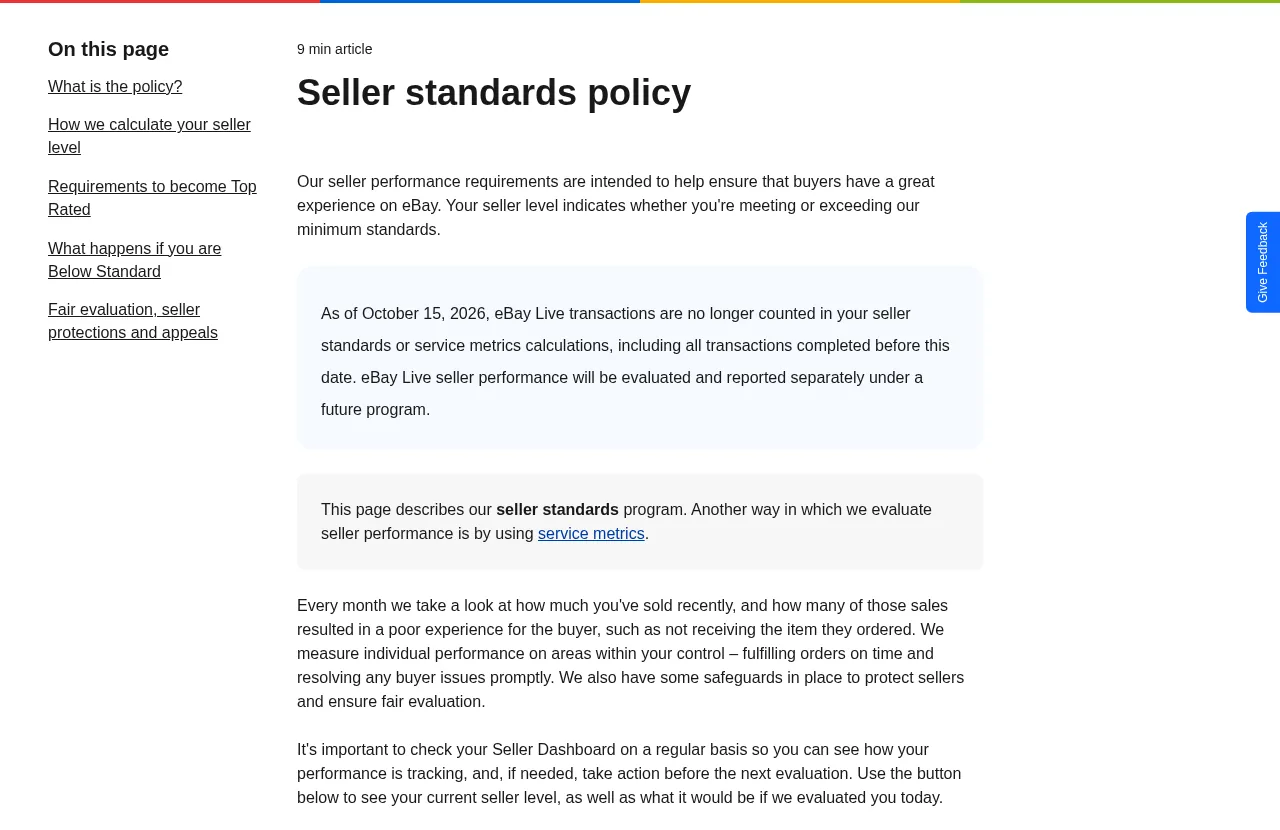
A transaction defect is either a cancellation you started (out of stock, sold elsewhere) or a case closed without seller resolution. A new note on eBay's policy page says that from 15 October 2026, eBay Live transactions no longer count toward seller standards or service metrics.
Here's what the math looks like. Say you made 600 sales in the last three months. Two percent is 12 defects, so 12 out-of-stock cancellations across 12 different buyers is the edge of Below Standard. For Top Rated, 0.5% is just 3 defects. Three cancellations in a quarter is easy to hit if you list items your supplier runs out of, which is why dropshippers drop off Top Rated more than anyone.
Top Rated sellers who also offer same-day or 1-business-day handling and free returns of 30 days or longer get Top Rated Plus: a seal in search and a 10% discount on final value fees (not on the per-order part). That discount is only for sellers resident in the country of the eBay site.
Falling Below Standard hurts quickly. Straight after the evaluation, eBay may push your listings lower in search, cut selling limits, block Promoted Listings and hold funds until tracking shows the item moving. From the 1st of the next month you may pay higher final value fees.
Separate from seller level, eBay runs service metrics, which compare your "item not received" and "item not as described" rates with sellers in similar categories. You can be Above Standard and still get flagged here, so check both dashboards under Performance.
eBay Seller Hub vs Seller Center
People mix these up because the names are close. They're different things.
- Seller Hub (ebay.com/sh/ovw) is your working dashboard. Everything in it is specific to your account: your orders, your listings, your money.
- Seller Center (ebay.com/sellercenter) is eBay's public education site. It holds guides on listings, shipping, advertising and protections, plus monthly Seller News updates. You don't need to sign in to read it.
The short version: Seller Center tells you how eBay works; Seller Hub is where you do the work. The confusion gets worse because other marketplaces call their dashboards "Seller Center" (Walmart and TikTok Shop both do). If someone says "check Seller Center" about an eBay problem, they almost always mean Seller Hub.
eBay fees you'll see inside Seller Hub
Your selling costs show up in Performance and Payments, so it helps to know how eBay calculates them. Per eBay's selling fees page (updated October 2026), for most categories:
- Up to 250 zero insertion fee listings a month, then $0.35 per listing (more free listings with an eBay Store).
- A final value fee of 13.6% on the total amount of the sale up to $7,500, and 2.35% on the portion above that.
- A per-order fee of $0.40 on orders over $10, or $0.30 on orders of $10 or less.
"Total amount of the sale" includes shipping and sales tax, which catches many new sellers out. Worked example: you sell a phone stand for $24.99 plus $4.99 shipping, and the buyer pays $2.40 sales tax. The total is $32.38. The final value fee is 13.6% of $32.38, which is $4.40, plus $0.40, for $4.80. That's 19% of your $24.99 item price, before ads or your product cost. Some categories differ (books and music are 15.3%, jewelry 15%), so check yours. If you'd rather not do this by hand, our free eBay fees calculator runs the numbers for you.
Dropshipping on eBay: what Seller Hub won't warn you about
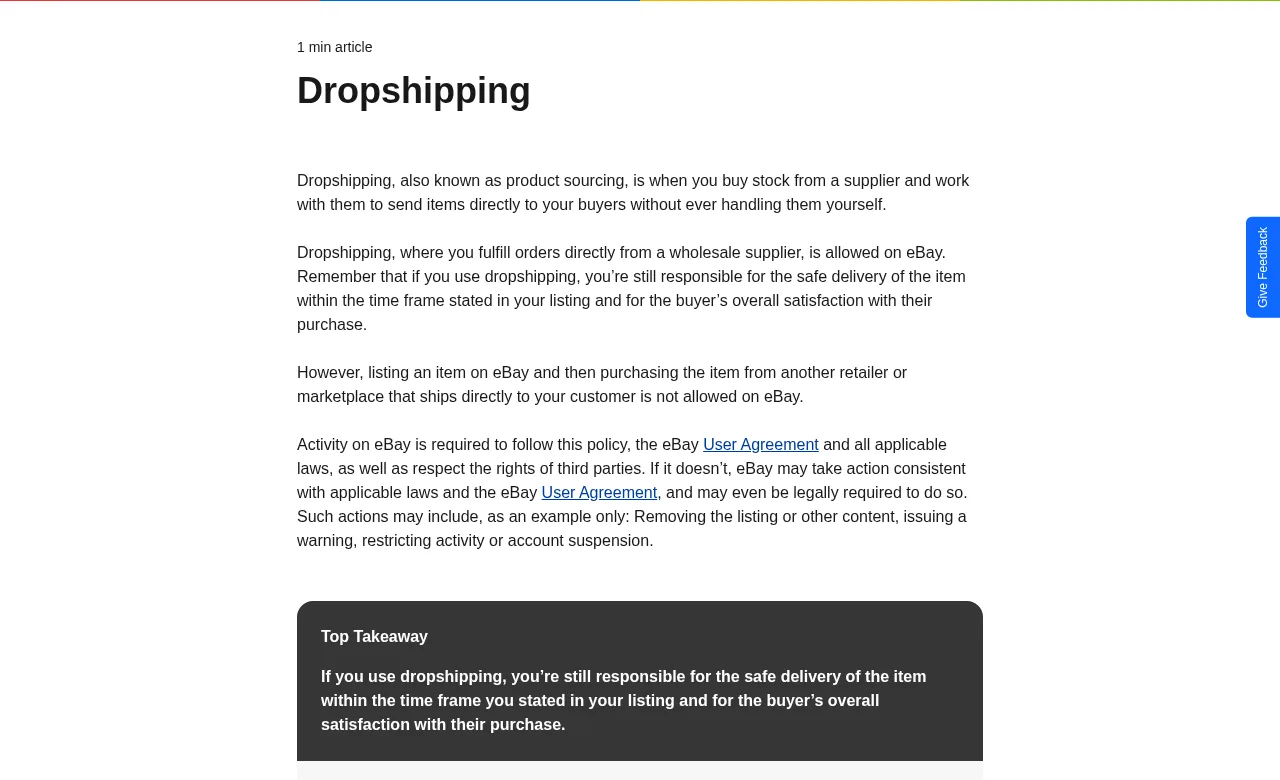
Seller Hub will happily let you list items you don't own. eBay's policy is stricter than its interface. The eBay dropshipping policy says dropshipping "where you fulfill orders directly from a wholesale supplier, is allowed." It also says "listing an item on eBay and then purchasing the item from another retailer or marketplace that ships directly to your customer is not allowed." Penalties range from removed listings to account suspension.
So where does that leave AliExpress? AliExpress is a retail marketplace. Buying a single item there after an eBay sale and having it shipped to your eBay buyer fits the "another retailer or marketplace" wording, and we'd be misleading you to say otherwise. Plenty of sellers do it anyway and some get away with it for a while, but you're building on an account eBay can restrict. The safer routes for eBay are wholesale or dropshipping suppliers you have an actual supply agreement with. Agents such as CJ list eBay among their integrations (see our CJ Dropshipping review), and our AliExpress dropshipping on eBay guide covers the grey areas in more detail.
Even with a legitimate supplier, dropshipping stresses the exact metrics in the table above:
- Out-of-stock cancellations count as defects. Keep listing quantities low and check supplier stock before raising them.
- Handling time must match reality. If your supplier needs three days to dispatch, don't set one-day handling to chase Top Rated Plus.
- Tracking needs a carrier scan within your handling time, or late shipments pile up.
- "Item not received" cases on slow international parcels feed your service metrics even when you refund.
If what you really want is to sell AliExpress, Alibaba or Temu products, a Shopify store is the cleaner home for that model. That's what AliDrop is built for: import products to Shopify in a click, send orders to suppliers automatically, and mix in vetted US/EU suppliers whose page advertises 2 to 5 day shipping. You can try AliDrop for $1 for the first 7 days and run eBay with wholesale stock alongside it. Our eBay dropshipping guide and the AliExpress dropshipping page explain how the two models differ.
A 10-minute daily routine in Seller Hub
Most sellers lose their rating through neglect, not bad luck. This routine catches problems while they're still cheap:
- Overview: clear the task list and answer buyer messages first. Fast replies stop requests turning into cases.
- Orders, Awaiting shipment: sort by ship-by date and ship anything due today.
- Orders, Requests and disputes: resolve every open return or "not received" request before eBay steps in.
- Listings, Active: drop quantities on anything your supplier is low on.
- Performance, Seller level: once a week, and always in the days before the 20th, check your projected level.
- Payments: once a week, check for holds and match payouts against your bank.
Common Seller Hub mistakes
- Ignoring the projected seller level. It shows where you'll land on the 20th. Sellers who check it on the 21st find out too late.
- Cancelling instead of contacting. A seller-initiated cancellation for stock reasons is a defect. If you can source a substitute or ship late with the buyer's agreement, that's usually better.
- Running Promoted Listings at a loss. Ad fees sit on top of the 13.6% final value fee. Check the Advertising tab against Performance before raising ad rates.
- Bulk editing without a test. Upload one row before a 500-row file.
- Letting GTC listings eat the limit. Ended or stale GTC listings still count toward monthly limits.
For more tools that plug into eBay, see our roundup of tools for eBay sellers.
The bottom line on eBay Seller Hub
The eBay Seller Hub is free, and once you've made a sale it's the only place you need to run an eBay shop. Learn four screens well: Orders, Listings, Performance and Reports. Watch your defect rate against the 2% line (0.5% for Top Rated), know that fees are charged on the total including shipping and tax, and source from real wholesale suppliers if you dropship. If you'd rather build a store around AliExpress products without eBay's sourcing rules, start AliDrop for $1 for 7 days and compare AliDrop plans once you know what you need.
eBay Seller Hub FAQs
What is eBay Seller Hub?
eBay Seller Hub is eBay's free dashboard for sellers. It brings orders, listings, marketing, advertising, your eBay Store, performance data, research, payments and bulk reports into one set of tabs. You reach it at ebay.com/sh/ovw or through My eBay, then Selling. Business accounts are opted in automatically, and private sellers get access after their first completed sale.
Is eBay Seller Hub free to use?
Yes. There's no charge for Seller Hub itself. You still pay normal eBay selling fees, such as insertion fees after your 250 free monthly listings and the final value fee when an item sells. An eBay Store subscription is optional, though a few marketing tools inside the hub are only available to Store subscribers.
Why can't I access Seller Hub?
The most common reason is that the account hasn't completed a sale yet. eBay requires at least one sale before private sellers can use Seller Hub. Check that the sale was actually paid, rather than only an accepted offer. Business accounts are opted in automatically. If it still won't load, try ebay.com/sh/ovw directly while signed in to the selling account.
What does the eBay Seller Hub dashboard show?
The Overview tab summarises tasks, orders to ship, listings, feedback and your monthly selling limits. The Performance tab adds sales trends, selling costs as a percentage of sales, traffic, buyer traffic sources, your seller level and service metrics. You can customise the Overview page to hide modules you don't use and keep daily tasks at the top.
What are eBay's seller performance standards?
eBay grades sellers on the 20th of each month as Top Rated, Above Standard or Below Standard. To stay above the minimum you need a transaction defect rate of 2% or less and no more than 2 cases closed without seller resolution, or 0.3% of transactions. Top Rated needs 0.5% defects or less, a low late shipment rate and tracking on 95% of orders.
How do I download reports from eBay Seller Hub?
Open the Reports tab, choose Downloads or Schedule, and pick the source and report type. Order reports cover a date range of 1 to 90 days. You can also click Download report on the Manage orders page to export every order in your current view as a CSV, including the tax eBay collected on each sale.
What is the difference between eBay Seller Hub and Seller Center?
Seller Hub is your private working dashboard, showing your own orders, listings and payouts. Seller Center, at ebay.com/sellercenter, is eBay's public education site with guides on listings, shipping, advertising, protections and monthly seller news. Seller Center explains the rules; Seller Hub is where you act on them. Walmart and TikTok Shop use the name Seller Center for their own dashboards.
Can I dropship from AliExpress to eBay?
eBay allows dropshipping from wholesale suppliers but says buying from another retailer or marketplace that ships directly to your customer is not allowed. AliExpress is a retail marketplace, so single-item orders shipped to eBay buyers sit against that wording and put your account at risk. Wholesale suppliers with a real agreement are the safer option for eBay.


%201.svg)